Building a Pentesting Environment
| networking, pentesting, lab
The setup I have for my pentesting lab at Tafe College
Good evening! I wanted my first post here to be something of value, something I can proudly show to the world as part of my resume. So, here it is.
My Tafe instructor let me use an additional workstation for hosting vulnerable VMs to practice my pentesting.
Devices and Configuration
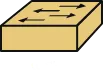
Cisco Catalyst 2960 (AKA Koshka)
Found this beauty on Facebook Marketplace for $90AUD. Nothing wrong with her :D
Workstations
Running Windows 11 and Hyper-V
Both devices have two Network Interface Cards (NICs), one for connecting to the local college network, and the other for exercises like this.
Virtual Machines
RED 2-6
My primary workstation.
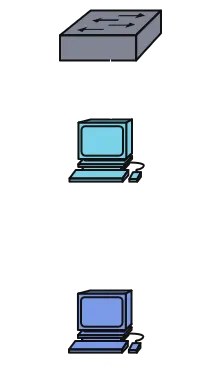
The VM setup for this one is just a Kali machine. I will be attacking the other workstation from here.
I connected a Virtual Switch that accesses the second NIC on the machine.
RED 2-5
The secondary workstation.
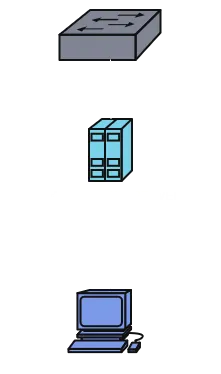
The VM setup here is a 2022 Windows Server. It’s just an ISO we used in a separate exercise. I will be hosting other services later.
A Virtual Switch with the same config was added.
Framework 13 Laptop (AKA Dawn)
My personal laptop!

Runs Debian. Has an ethernet expansion card for interfacing with this network.
Networking
Both workstations and Dawn were connected to Koshka via ethernet.
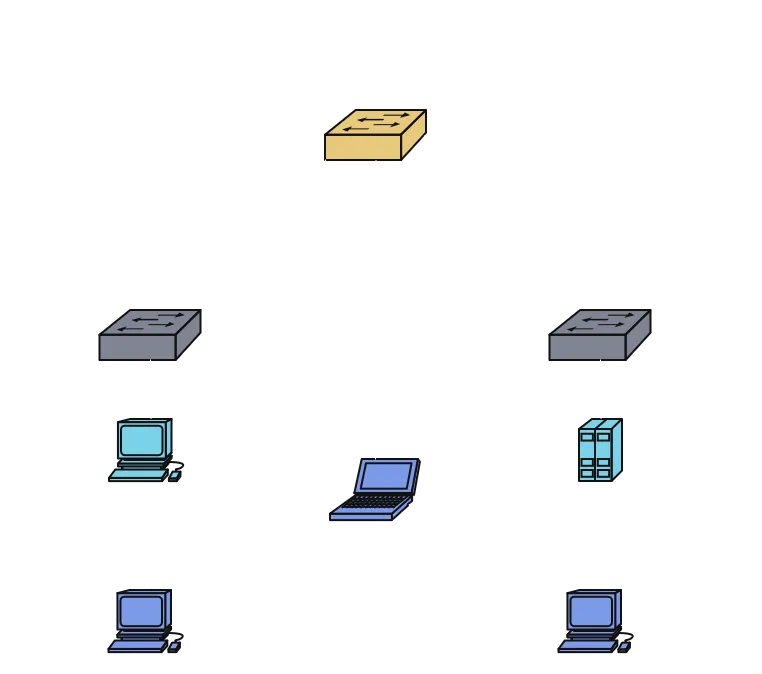
Yeah! I just wanted to show this off so when I start hosting Vulnerable Machines from OWASP there’s some context ^^
Alrighty, catch you guys later!